Inside the app
A closer look.





About this app
Made for a clear purpose.
DocUpick is a fast, local-first document scanner for turning real-world text into useful notes.
Scan receipts, labels, invoices, business cards, whiteboards, forms, printed pages, research notes, and package labels. DocUpick reads the image on device, creates an editable note, keeps the original scan attached, and helps you organize the result with folders, tags, document types, search, filters, and exports.
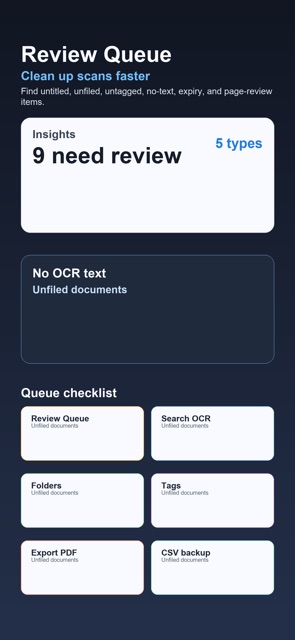
Version 2.1 adds Review Queue in Insights. It scans your local library for documents that may need cleanup before export or long-term storage: untitled notes, scans with no recognized text, unfiled documents, missing tags, upcoming expiry dates, and pages that may need review. It is a practical checklist for keeping a scanned-document library useful after capture.
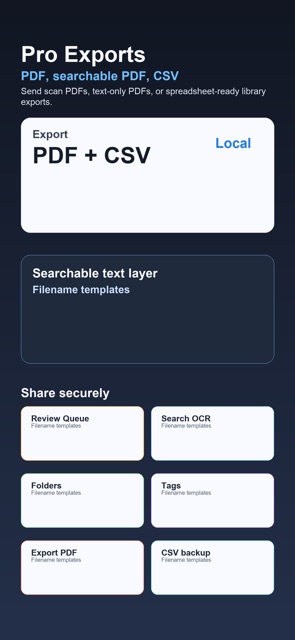
Features include: - Multi-page document scanning - Photo import - On-device OCR using Apple Vision - Automatic document type classification - Editable notes with folders, tags, pinning, and search - Entity detection for phone numbers, emails, URLs, dates, and addresses - QR and barcode detection - Expiry dates with optional local reminders - Page merge, rotate, reorder, and enhancement tools - Image PDF, searchable PDF, text-only PDF, and CSV export - Insights for activity, document types, top tags, and review needs
DocUpick is private by design. No account, no ads, no analytics SDK, no tracking, and no server upload for OCR. Notes stay on your device unless you choose to export or share them.